Vetsy - App UI Design
Role:
UX/UI Designer (Research, Interaction Design, Prototyping)
Tools:
Figma, Paper Prototyping, Google Workspace.
Timeline:
3 Months (March – June 2025)
Phase 1: Discovery & Research
I conducted primary interviews to move beyond assumptions. The goal was to understand the emotional and logistical barriers to pet care.
The Core Insight: While I initially thought "speed" was the priority, research revealed that Validation (photos, doctor info, and facility details) was the true pain point. Users were "intimidated" and "insecure" when they couldn't see where they were taking their pets.
User Pain Points:
Trust Barrier: Lack of peer recommendations or visual proof of facility quality.
Time Constraints: Busy schedules making manual searching and calling inefficient.
Specialization: Difficulty finding vets that handle specific animals or offer grooming in one place.
Phase 2: Ideation & Architecture
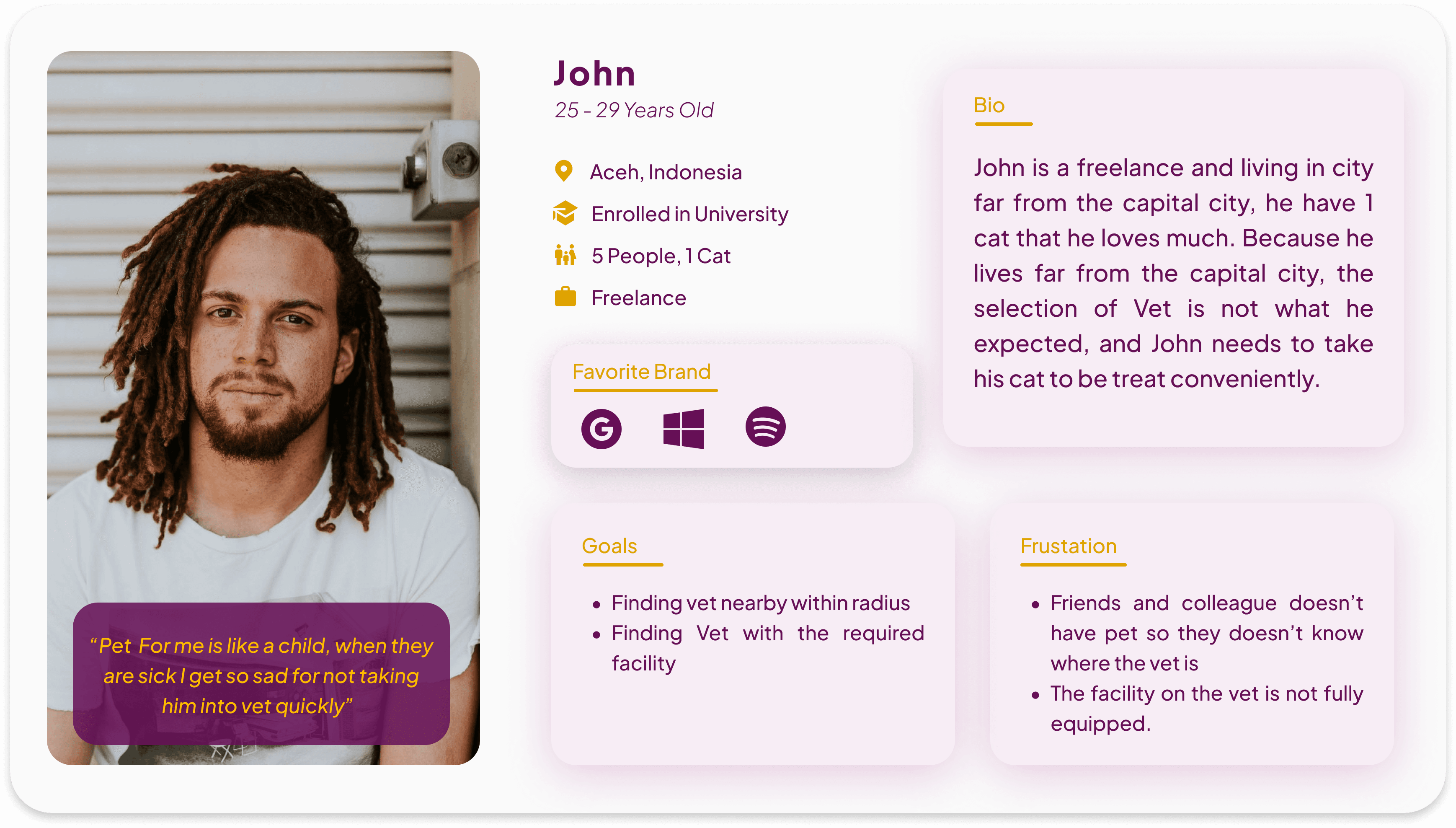
I mapped the user journey for "John," a freelance worker, to identify "Improvement Opportunities".
Key Interaction Decisions:
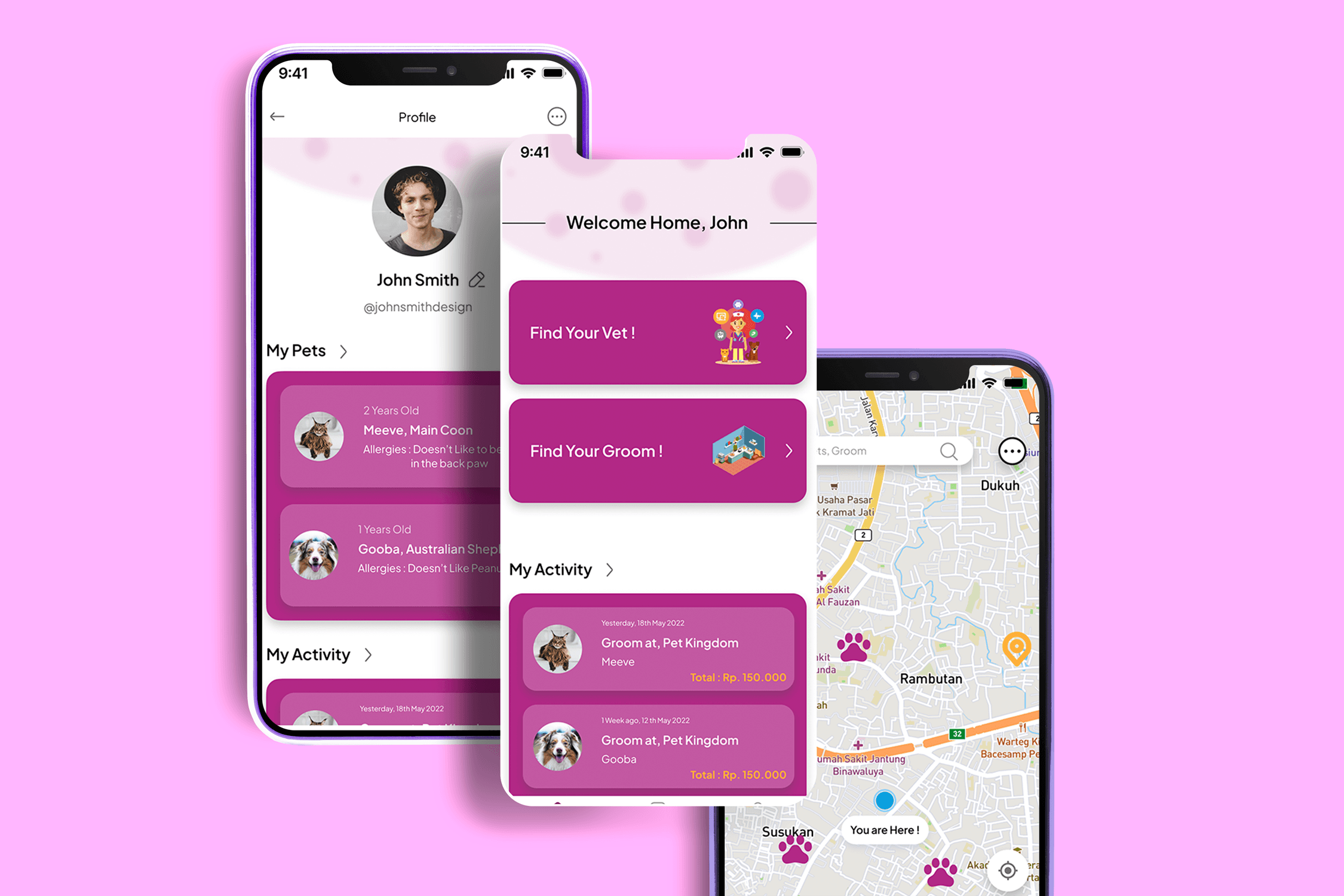
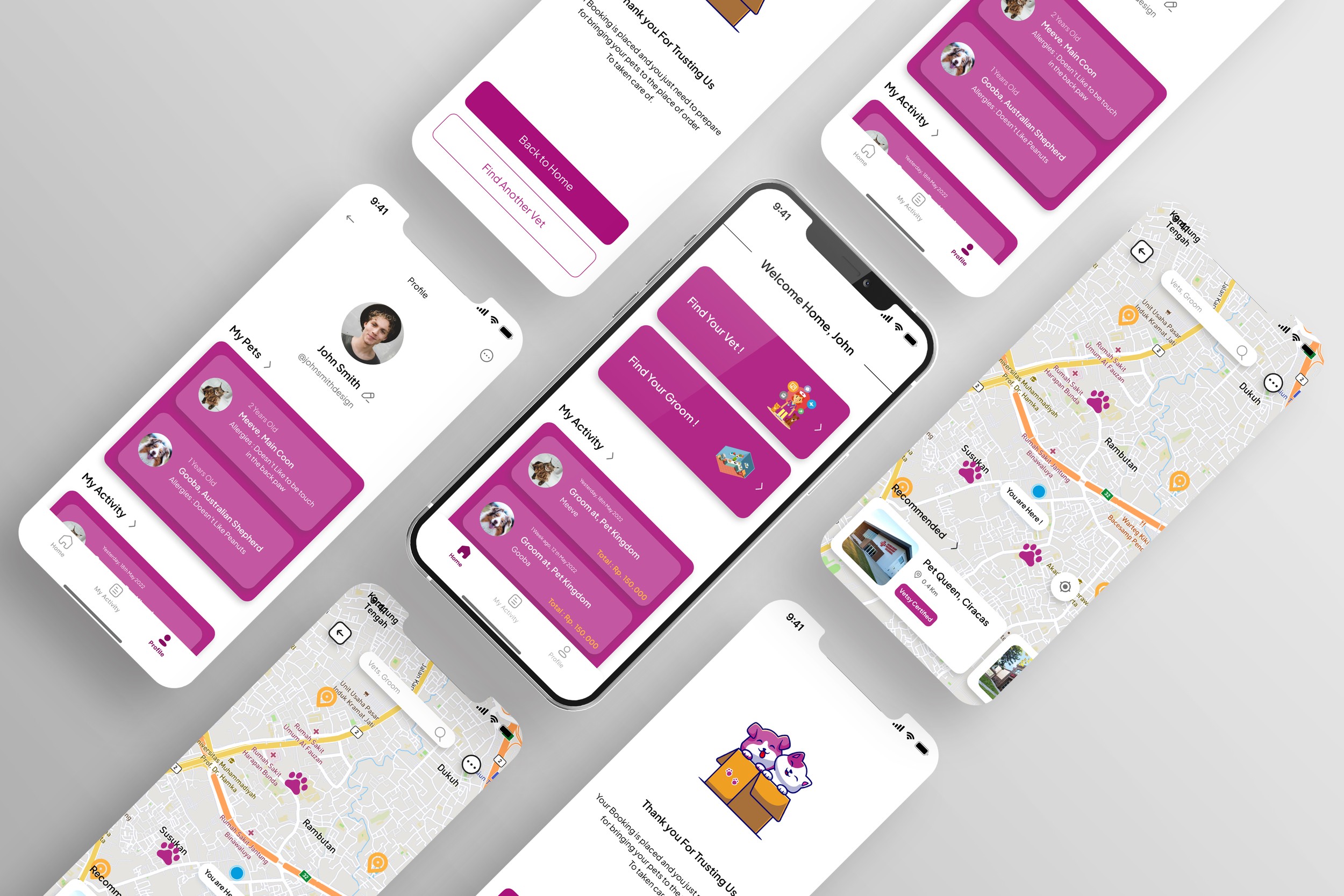
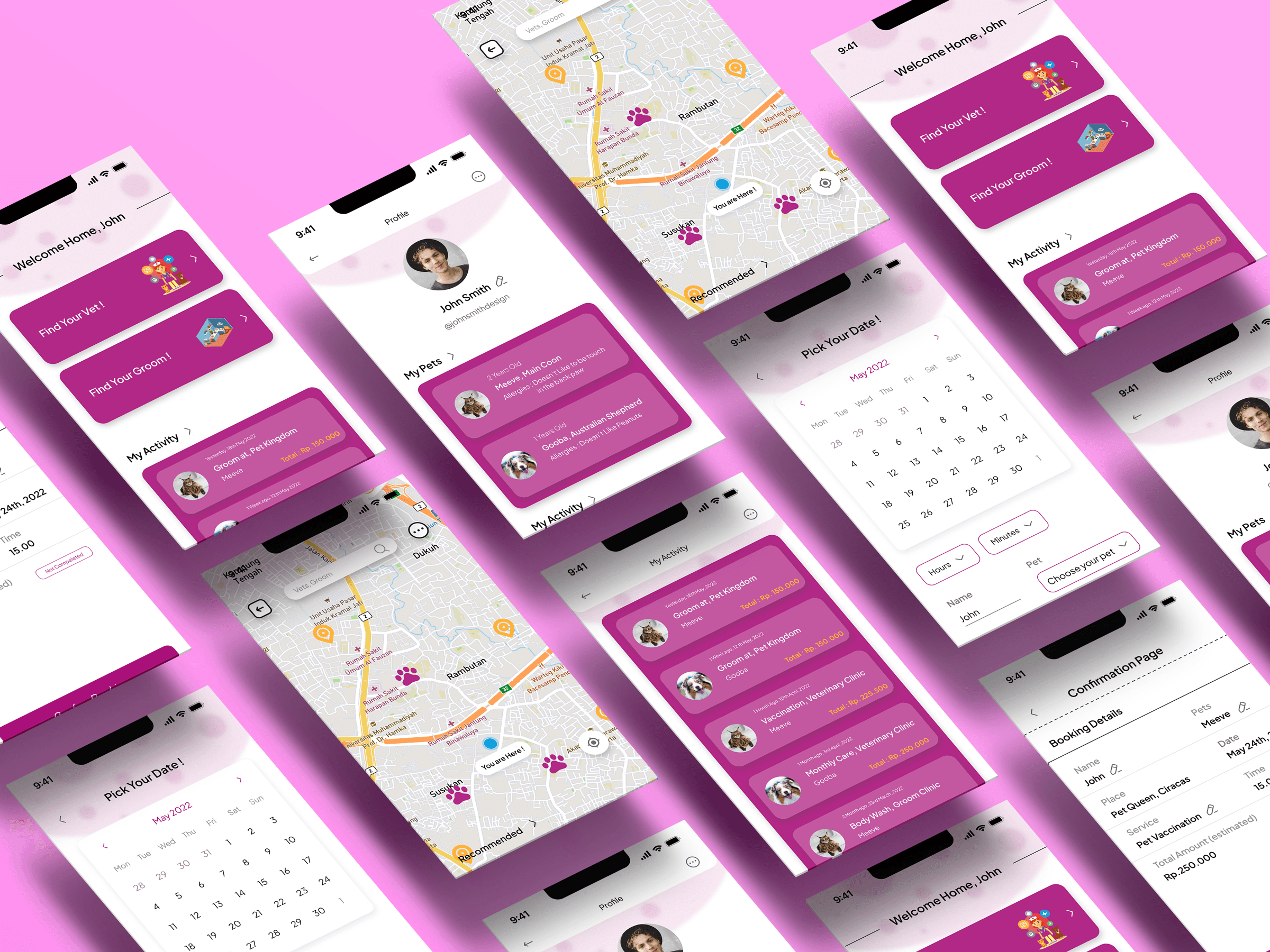
Minimalist Homepage: Prioritized the "Find Your Vet" and "Find Your Groomer" actions to reduce cognitive load.
Integrated Maps: Instead of just a list, a map-first approach helps users visualize proximity immediately.
Decision-Support Features: Introduced a "Recommended" section to help overwhelmed users start their search.
Phase 3: The Iterative Pivot (Usability Testing)
I conducted two rounds of usability testing. This is where the design truly matured.
Round 1 Insight: The Trust Gap
Users liked the search flow but felt "anxious" after clicking "Book."
Solution: I added a dedicated Confirmation Page with full booking details and a "Thank You" screen to provide closure and security.
Round 2 Insight: The Transparency Gap
3 out of 4 users were frustrated by hidden costs and unknown staff.
Solution: I iterated on the Vet Profile to include a Price Range and the Doctor-in-Charge for that day.
Final Design (The Solution)
The final high-fidelity prototype delivers a clean, high-contrast UI that balances "utility" with "warmth".
Visual Hierarchy: Used background imagery on the homescreen to create a more welcoming, premium feel.
Accessibility: Implemented clear iconography for navigation and planned for future voice-command features for situational accessibility.
Reflection & Next Steps
Impact: Users found the flow "very clear" even for those who are not tech-savvy.
Learning: This project taught me that primary research is essential, but secondary market research would add more depth to future competitive analysis.
Next Steps: I plan to conduct further research into the "Pet Community" niche to integrate social validation features like peer-to-peer reviews.
Recent Designs